|
AceFTP - Installation |
| .......... | This is not a course. It is a... Tip Sheet |
| The FTP programme, AceFTP, is shareware and
may be used for a period of 30 days before registration and purchase is expected. A
copy of the installation programme can be found in the /programs folder on this CD. Click
on Start button Either type in D:\programs\aftp122.exe (assuming that the CD drive is the D: drive) or browse to the file called aftp122 in the programs folder of this CD. Click on OK
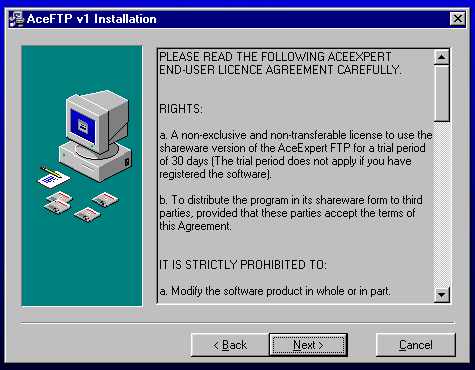
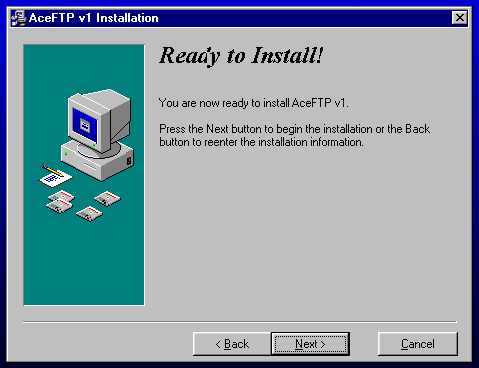
The installation will run. Click on Next
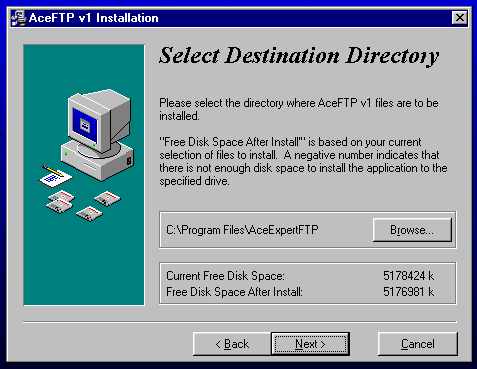
Click on Next
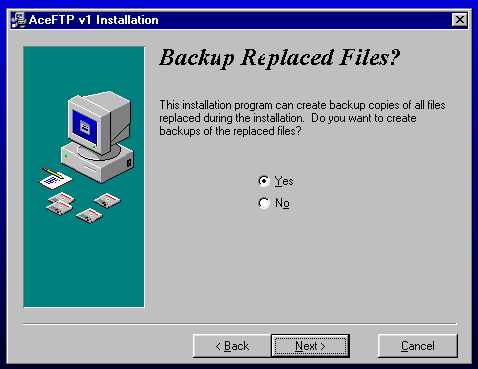
Click on Next
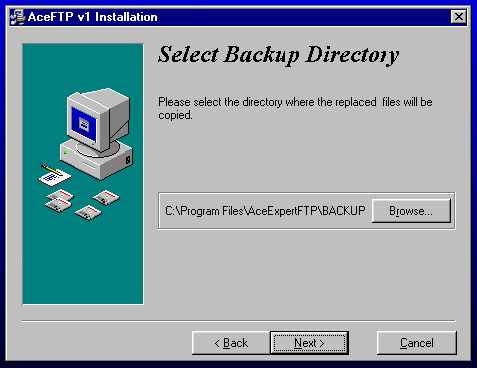
Click on Next
Click on Next
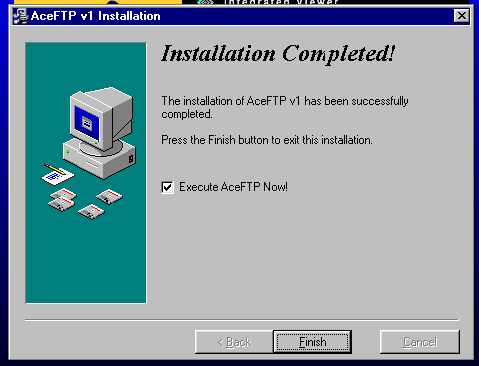
Click on Finish
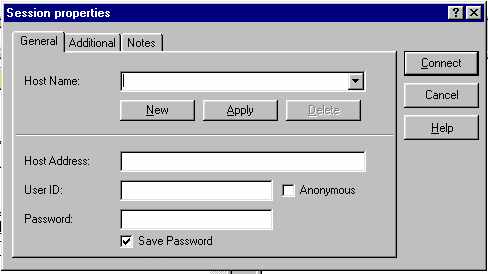
Type in SchoolNet on the Host Name box Type in XXXXX in the Host Address box (XXXXX to be replaced with the IP address given to you by your course provider/ ISP) Type in your user ID as provided to you by e-mail in the User ID box Type in your user password as provided to you by e-mail in the Password box You now have access to your Web space on a Web server. To connect and upload files, see the tip sheet on Uploading files. |

 the click on Run