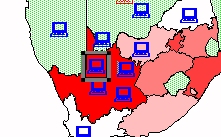
Microsoft Map - Adding labels and pins to a map
This is not a course. It is a ...
Tip Sheet
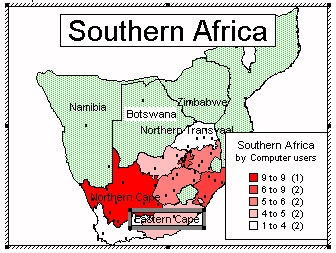
To add labels to a map
Click on the label icon on the menu bar.
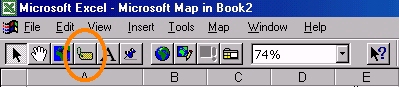
Move your cursor over the countries and the names appear. Click in the area where you want the label positioned.
To add pins to a map
Click on pins on the menu bar.
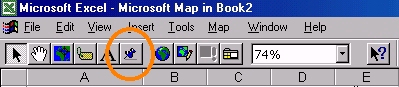
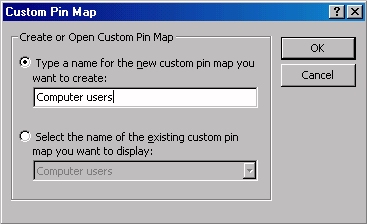
Complete the pin map dialogue box.
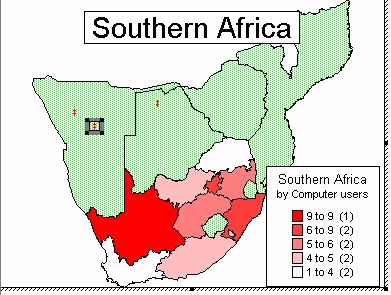
Position the pin where you would like it to be and click.
To select a suitable pin, right click on the selected pin
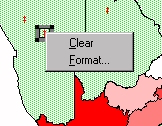
then click on Format, then select the Font, style, size and colour.