This is not a course. It is a...
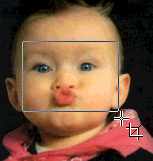
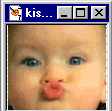
Then click and drag the mouse to select the area that you want to crop (see image to the right)
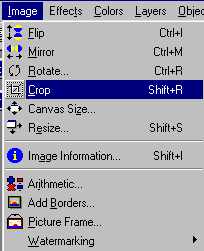
Click on Crop

 icon in the toolbar to the left of the
screen.
icon in the toolbar to the left of the
screen.