|
Paint Shop Pro - Installation |
| .......... | This is not a course. It is a... Tip Sheet |
| Click here to install a 30-day
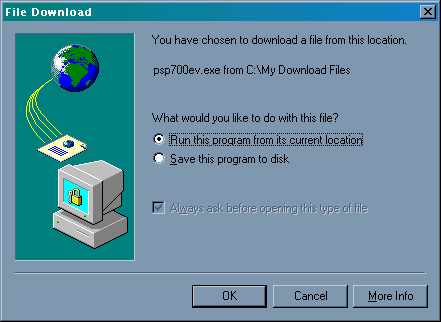
evaluation copy of Paint Shop Pro7 You will see a File Download pop-up screen. Click on Run this program from its current location and then click on OK
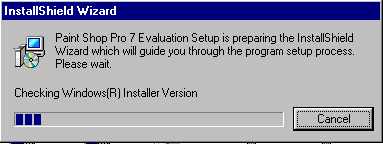
The installation Wizard will start.
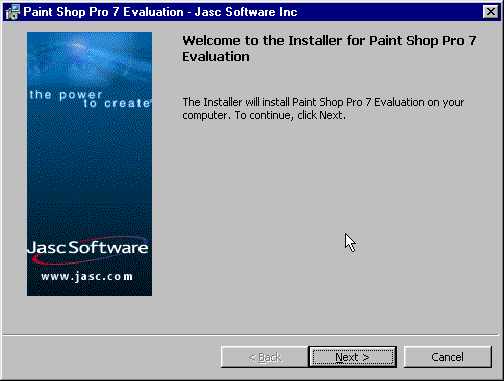
At the welcome screen, click on Next
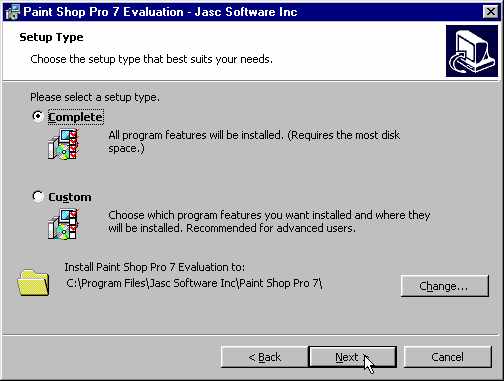
At the Setup Type screen, if Complete is selected, click on Next
At the Ready to Install the Program screen, click on Install
Paint Shop Pro 7 will now install.
Once the installation is complete, de-select Show me important information... and select Launch Paint Shop Pro 7. Then click on Finish
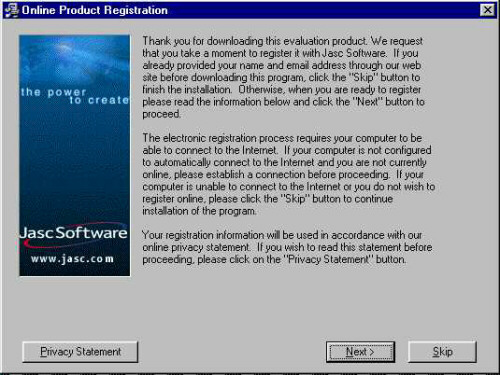
Click on Skip at the Online Product Registration screen
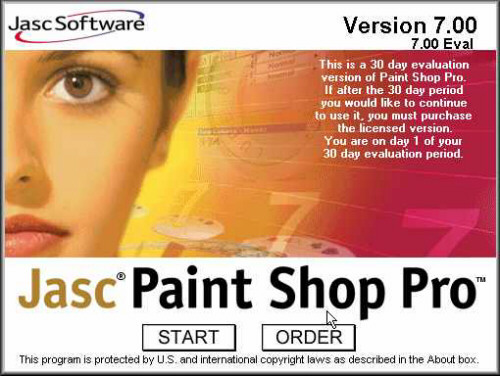
You will now see the Jasc Software Logo. Click on Start
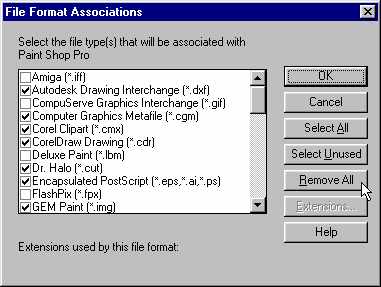
The first time you start the programme, you will be asked to select which files you want associated with Paint Shop Pro. Click on Remove All.
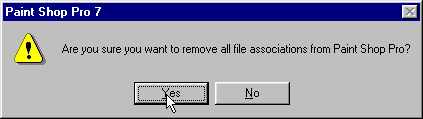
Then click on Yes
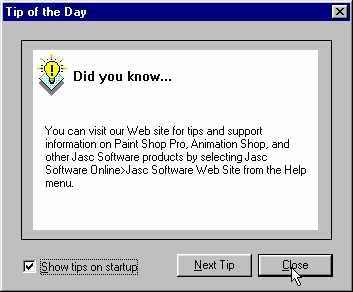
Click on Close
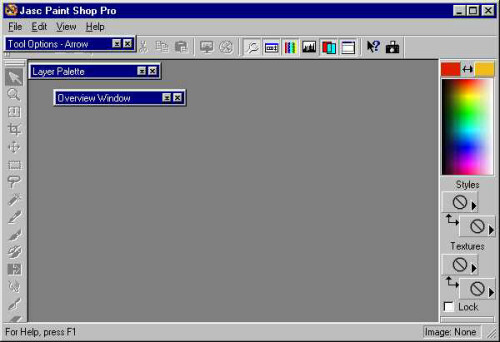
You are now at the main screen for Paint Shop Pro 7. Once you close this programme, you will have to reboot the computer for the programme to be configured and loaded into your Start Program menu.
|