|
PowerPoint - Creating a presentation |
||||
This is not a course. It is a ... Tip Sheet |
|||||
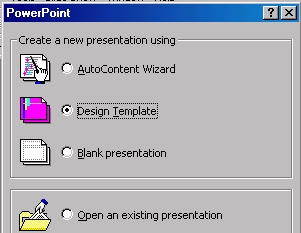
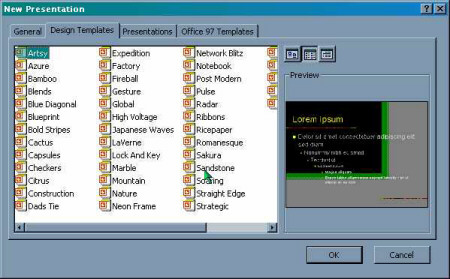
From the Start
button select PowerPoint or select the
|
|||||
|
|||||
|
|||||
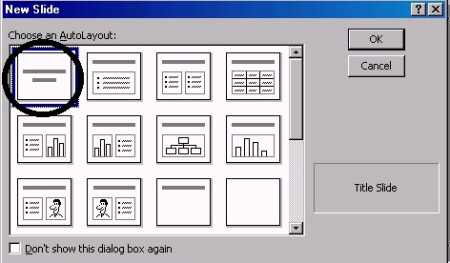
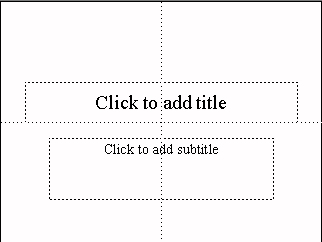
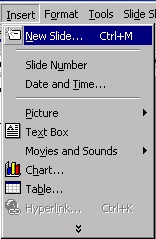
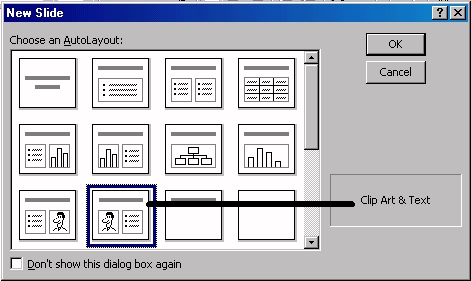
Layouts Layouts are designed to assist you plan the layout of the text and objects on a slide. Different layouts have objects such as text, an imported graphic, a shape, a picture, etc. grouped on the screen. You can plan and design your own layout but it is easier to use ready-made layouts.
|
|||||
Save Save the work regularly, using a filename that describes the presentation. |
|||||