|
PowerPoint - Adding graphics |
|||
|
This is not a course. It is a ... Tip Sheet |
||||
|
||||
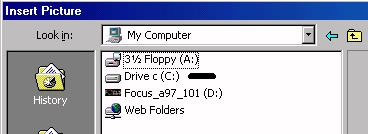
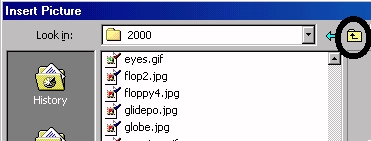
| In the selected drive, explore
until you find the required folder.
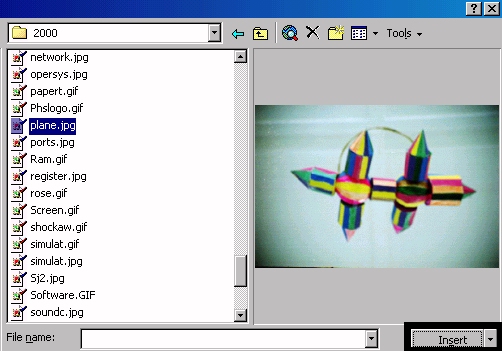
Scroll up or down until you find the required file.
Click on Insert.
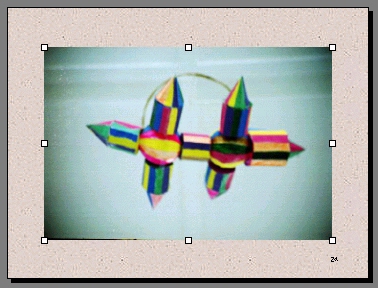
The picture is inserted into the presentation. The handles are ready for resizing. |
||||
|
||||
|