|
MS Word 2000 - Finding and Replacing Text |
|
| .......... | This is not a course. It is a... Tip Sheet |
|
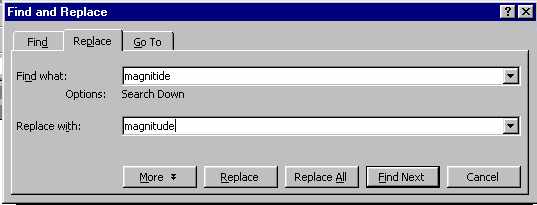
If you want to replace a word that commonly occurs in a document with another word, you will use this function. Click on Edit
|
||
|
MS Word 2000 - Finding and Replacing Text |
|
| .......... | This is not a course. It is a... Tip Sheet |
|
If you want to replace a word that commonly occurs in a document with another word, you will use this function. Click on Edit
|
||