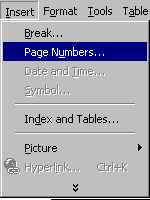
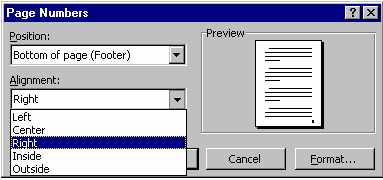
| Headers appear at the top of every page,
outside of the normal printing area of the page. A header, once created, will appear on
every page of the document. Footers appear at
the bottom of every page, outside of the normal printing area of the page. A footer, once
created, will appear on every page of the document.
To create a header/footer:
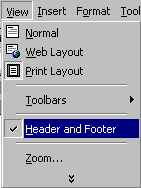
Click on the View Menu
Click on Header and Footer |
 |
| You will see a dashed line
outlining the area of the header at the top of the page and a similar area outlining the
footer at the bottom of the page. A toolbar also appears on the screen (experiment with
this yourself). These areas outlined with the dashed line are like little pages and you
can write in them and insert graphics as is it is a normal page. Normally one does not put
more than two lines of information in a header or footer.
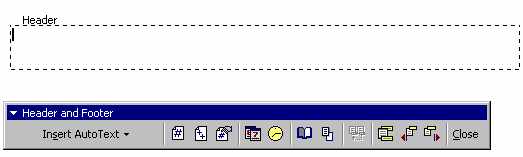
Once you have completed the header / footer, click on Close
in the toolbar.
|