Use the table menu to format the appearance of the Table. Remember to first select the
cells which you wish to edit in some way. Then
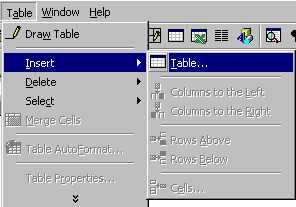
Click on the Table Menu
Click on the double down arrow at the bottom of the menu
and select the option such as Merge Cells (join)
and Split Cells, Insert Cells or Delete
Cells (adding or removing a row or column)
The Table AutoFormat option allows you to
choose a "look" for your table in terms of line styles and shading.