|
MS Word 2000 - Editing text |
||||||
| .......... | This is not a course. It is a... Tip Sheet |
||||||
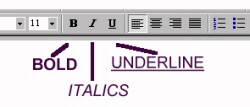
Text attributesBold Italics Underline You will find the icons for these functions in the formatting
toolbar. You can change the appearance of (edit) text to bold, italic or underline before or after you type the text. Before you type the text: Click on B - and then type the text that you
want to be Bold. Click on B again to end the bold text
and type normally.
|
|||||||
|


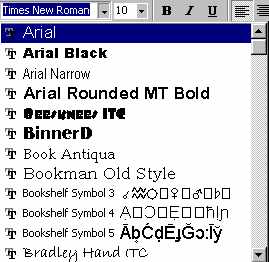
| Choose the font type by clicking on the
black triangle to the right of the Font Type icon and scrolling down to view the choice
available (notice the scroll bar). Choose the new font by clicking on the name of the font. |
 |
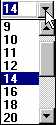
| Similarly, choose the font size by
clicking on the black triangle next to the font size icon and making a choice of the size
you want. Normal text is 12. The larger the
number the larger the font. |
 |
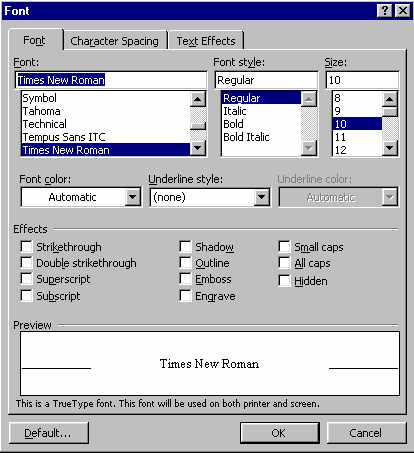
Superscripte.g. x2+y3=z Click on the Format menu Subscripte.g. H2O+SO2=H2SO4 Click on the Format menu |
|
Symbols - ë or è or õ
Click on Insert
Click on Symbol
Select the Font
Select the symbol required
Click on Insert
