
This is not a course. It is a ...
Tip Sheet
The easiest way to view the required page, directory or site off line is to double click on My Computer on the desktop or Windows Explorer, and scroll to the folder where it is found. Then double click on the folder.
If you are not sure where the file was saved, it is usually saved in My Documents.

The www.botany.uwc.ac.za/sci_ed/teacher folder was saved in My Documents\WebWhacker under ac.za
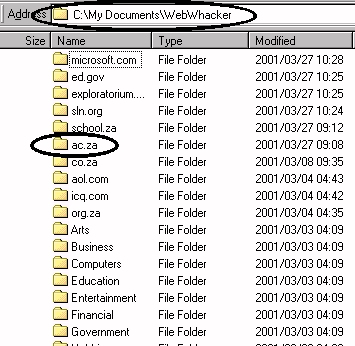
Double click on ac.za to open the folder.
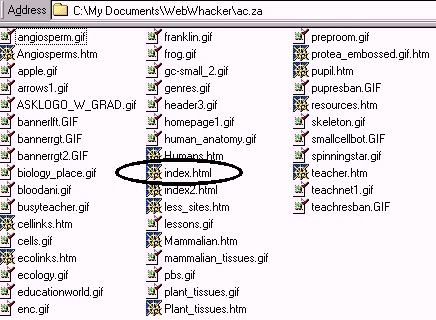
When the site is whacked to Level 2 it has downloaded many files.
All web pages end with the extension html or htm. Click and open the file which seems to be the main (home) page of the site. It is usually called index.htm. Double click on the file name and Internet Explorer or Netscape Navigator will open for you to view the site offline. These files are saved permanently on your computer and you can access them at any time in future.