
This is not a course. It is a ...
Tip Sheet
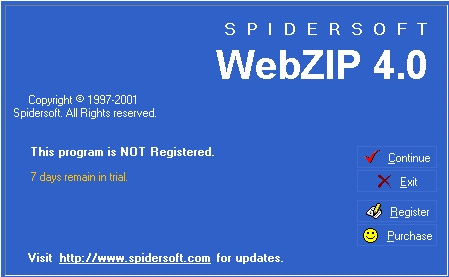
Start the programme WebZIP. (Remember to register the programme.)
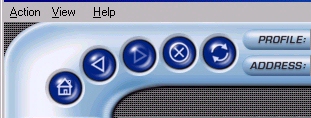
Click on Action, click on New and then click on Task.
In the pop-up screen, in the box provided (circled below), type or paste the address (URL) of the web site you wish to download.
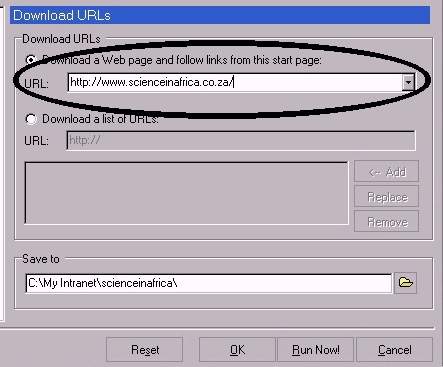
The programme creates a folder in which to put the site when it is downloaded. In this case the folder is C:\My Intranet\scienceinafrica\. Click OK at the bottom of the dialog box.
Select a Profile to tell WebZIP what and how much to download. It could be
| What it means ... | |
Selected Directory (All) |
All text, images, sound and video files in that folder - this is the recommended choice. |
Selected Directory (Text Images) |
Just text and images in that folder |
Selected Page (All) |
All text, images, sound and video files on that page |
Selected Page (Text Images) |
Just text and images on that page |
Selected Site (All) |
All text, images, sound and video files on that site, which may be quite large |
Selected Site (Text Images) |
Just text and images on that site |
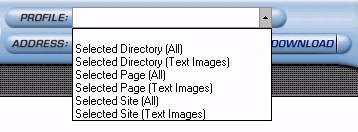
Check that the correct URL is in the Address box.

Click the Download button to start the download.
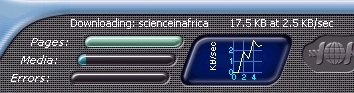
You are able to check how the site is being downloaded, noting the speed. It will indicate when the site has been downloaded.
When the downloading is complete you can log off the Internet.