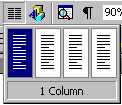
| For a plain columns page: Click on the Columns icon
A small column is pulled down.
Drag the mouse on this columns pop-up screen to indicate how many columns you want.
Click the left-hand mouse button once you have made your selection.
If you want to create a special table with several options
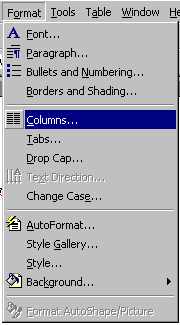
Click on the Format Menu
Click on Columns
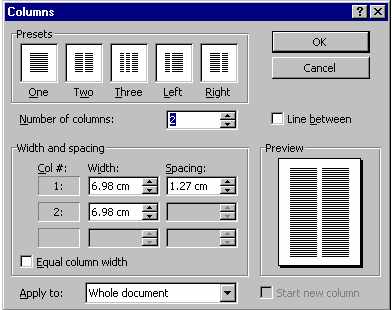
You have the option of making columns with irregular widths
by typing in your own measurements in the Width and spacing section.
You can also apply the columns to the whole document or From
this point forward in the Apply to: section of the pop-up
screen.
|