|
MS Word 97 - Graphs - Formatting a graph |
| .......... | This is not a course. It is a ... Tip Sheet |
|
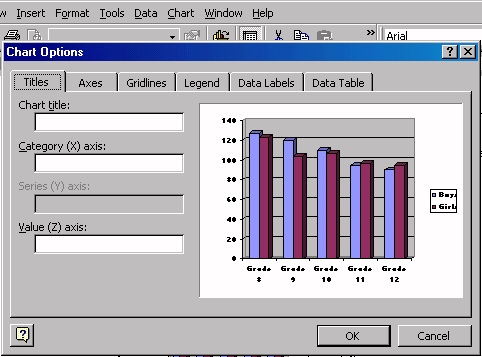
The best way to learn graphing with Word is to experiment with graphing. The meaning of graphs can be enhanced with legends or labels and formatting such as types of graphs, alignment of labels, meaningful colour of columns, background colours and by adding a border. To add legends (labels) click on Chart, then Options.
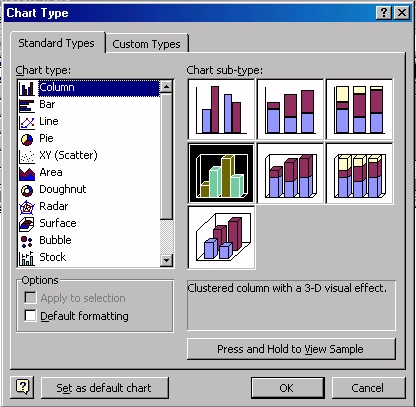
To change the type of graph click on Chart, then Type.
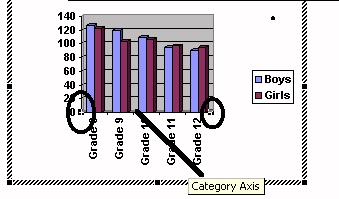
To change the alignment of the labels, activate the graph by double clicking it. Click on the Category axis until blocks appear (circled below).
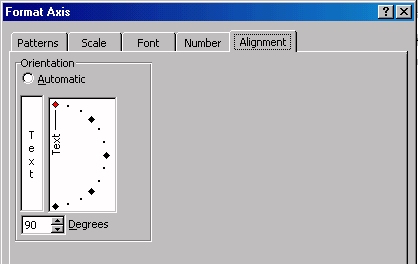
In the dialogue box select Alignment.
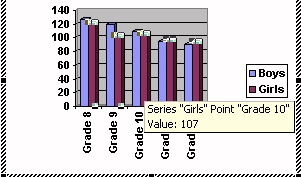
To change the colour of the columns, activate the graph by double clicking it. Click on the column whose colour you wish to change.
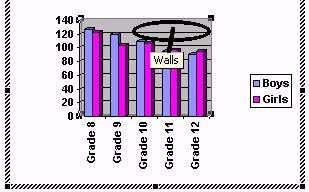
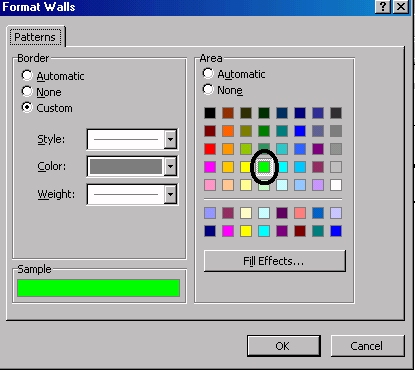
To change the background colour, activate the graph by double clicking it, then click in the area whose colour you wish to change.
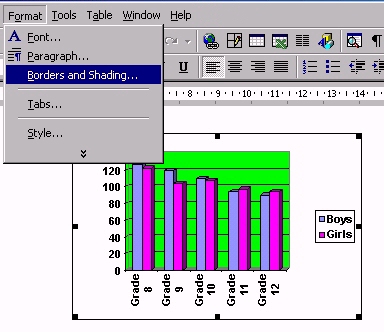
To add a border to the graph, click on the graph ONCE, i.e. do not activate it. Click on Format on the menu bar, then Borders and Shading.
|
|