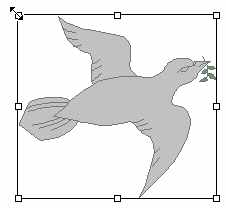
| Load a graphic by Clicking on the Insert Menu
Click on Picture
Click on From File. |
 |
Look in the drive and folder
where the picture is saved. This may vary from person to person. The example below looks
in the Clipart folder, but you may have your own graphics folder.
Click on the file name and then on OK.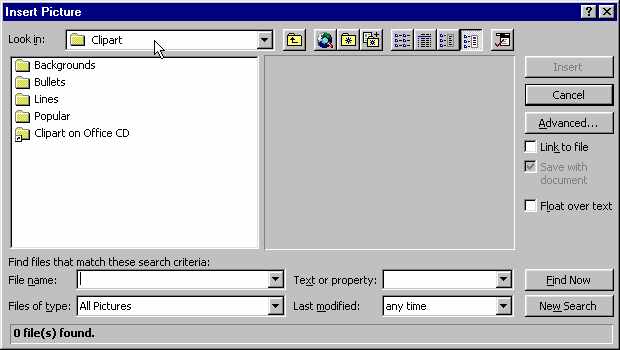
|
You may see a pop-up toolbar appear with the picture as in the example below.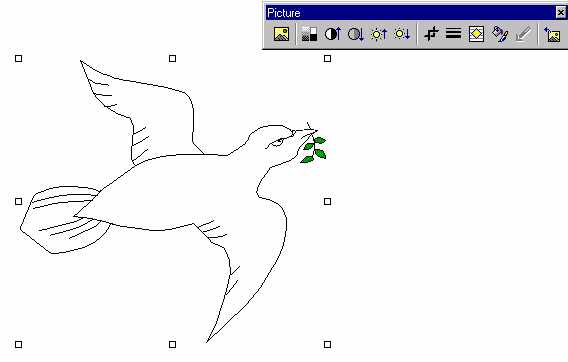
|
| If not, click on the picture and you will see
the 8 little blocks appear on the picture's boundaries. Then
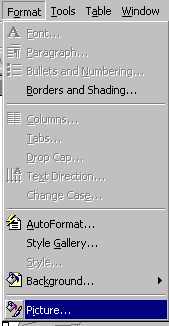
Click on the Format Menu
Click on Picture
|
 |
You will have all the same options available from the pop-up screen.
If you want to drag your picture around and re-position it, Click on the Position tab
Click in the box next to Float over text
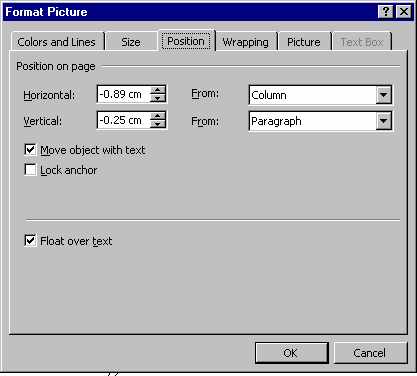
Click and drag on the graphic to move it around.
|